

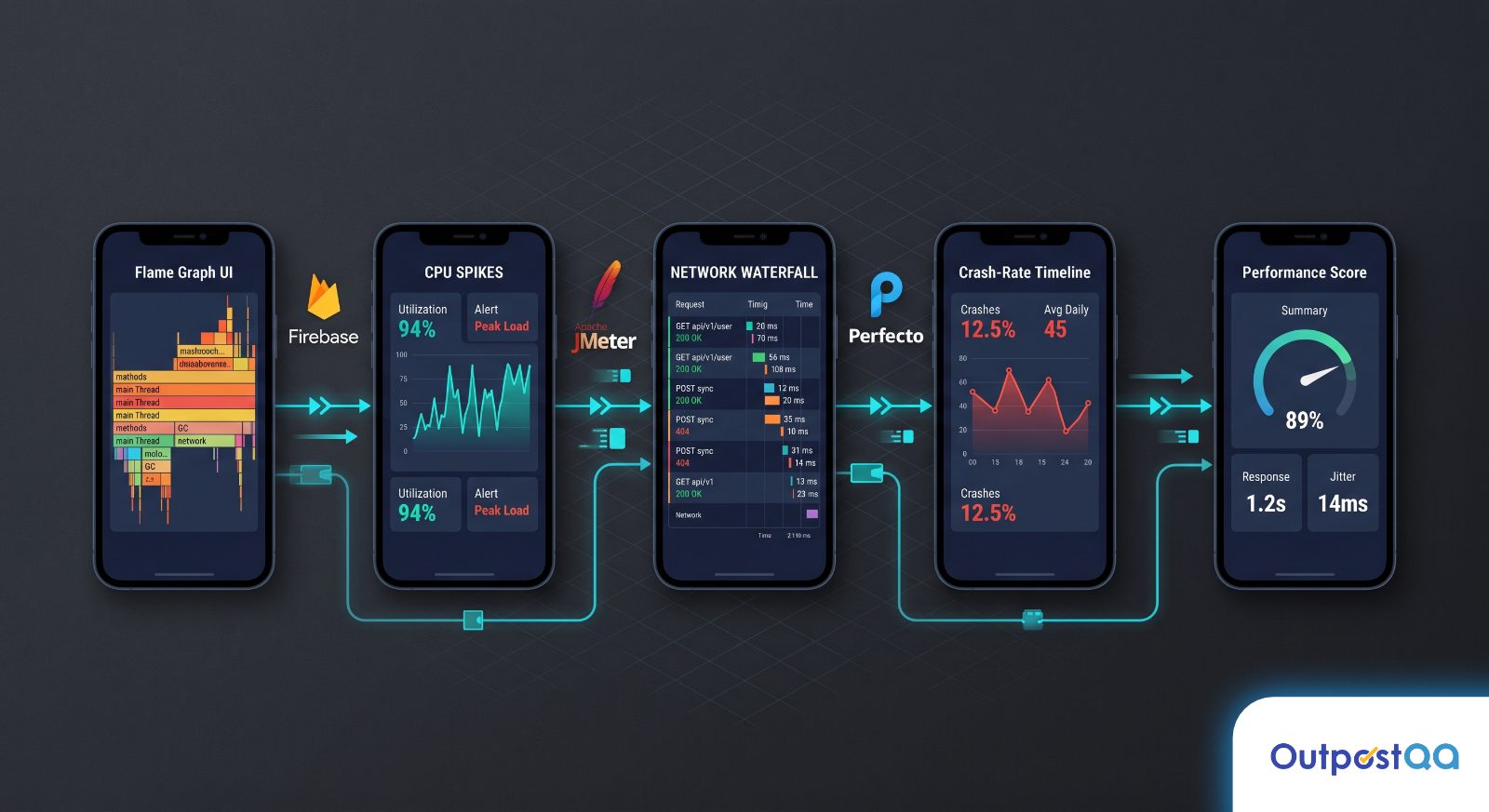
Most QA Directors have been through the same evaluation loop: a vendor demo, a spreadsheet of features, a trial period, and then a release where something slips through anyway. The gap is rarely the tools themselves. It is the way teams combine them, and more importantly, the performance signals they are not measuring because no single tool surfaces everything.
TL;DR
- Mobile app performance testing requires layered coverage: device-level profiling, backend load simulation, cross-device matrix testing, and platform-native instrumentation each catch different failure classes.
- Firebase Performance Monitoring, Apptim, Apache JMeter, Perfecto, and the platform-native profilers (Android Profiler and Xcode Instruments) each solve a distinct problem. No one tool replaces the others.
- The most common blind spots are memory pressure under real-world network conditions and CPU spikes on mid-range devices that never appear in emulator runs.
- Nearshore QA teams operating in the same timezone as engineering close tool utilization gaps faster because triage, configuration changes, and re-runs happen in real time, not across overnight handoffs.
The Metric Your Tool Needs to Catch Before the App Store Does
Apple and Google both surface performance data to users: crash rates, ANR (Application Not Responding) signals, and battery drain flags visible in store listings. By the time those metrics appear, you have already shipped the problem. The store caught it. You did not.
The mobile app performance testing tools worth building a pipeline around are the ones that surface those exact signals earlier: frame render times, memory allocations under sustained load, cold start latency on low-RAM devices, and API response degradation under concurrent users. These are not exotic metrics. They are the ones the App Store is already collecting on your behalf after release.
The question a selection guide should answer is not “which tool has the most features?” It is “which combination of tools covers memory, network, device-level, and backend performance without leaving a gap that only shows up in production reviews?”
Five Tools Worth Running in a Real Mobile QA Pipeline

Firebase Performance Monitoring for Crash-Adjacent Signals
Firebase Performance Monitoring is a free, Google-backed SDK that instruments your app to report HTTP/S network request traces, app startup time, and custom traces you define in code. Its value is not raw profiling depth. It is coverage breadth across your real user base in production.
It belongs in a QA pipeline (not just production monitoring) because it gives you a baseline. Before you run a load test or a device matrix run, you need to know what “normal” looks like on actual hardware, actual networks, and actual user behavior. Firebase gives you that reference. When your lab results do not match Firebase’s field data, that gap is where the bugs live.
One practical constraint: Firebase does not give you memory heap data or GPU frame timing. It measures what happens over the network and how long startup takes. Use it for signal detection, not root cause analysis.
Apptim for On-Device Resource Profiling Without a Cloud Dependency
Apptim runs performance tests directly on physical devices and generates a detailed report covering CPU usage, memory consumption, battery drain, network activity, and frame rate. The key differentiator from cloud-based device farms is that it runs locally, which matters when your QA team is working with pre-production builds on internal hardware that cannot be uploaded to a third-party cloud service.
For QA Directors managing compliance-sensitive or pre-launch builds, this is a practical consideration, not a minor preference. Apptim removes the cloud dependency entirely while still generating structured, shareable reports that engineering can act on without interpreting raw profiler output.
The tool supports both iOS and Android and surfaces CPU and memory spikes in a timeline view that aligns to specific test actions. When a tester triggers a checkout flow and memory climbs 40MB without releasing, that correlation is visible in the report. That is the kind of evidence that turns a vague “the app feels slow” complaint into an engineering ticket with a reproducible scenario.
Apache JMeter for Backend and API Load Simulation
Apache JMeter does not run on a device. It simulates the server-side conditions that mobile clients depend on. This distinction matters because a mobile app can be perfectly optimized on the client side and still perform badly if the API layer degrades under concurrent users.
JMeter’s role in a mobile QA pipeline is backend validation: what happens to your authentication endpoint when 500 users log in simultaneously? What does response time look like on your product catalog API when a flash sale drives unexpected traffic? These are questions the device-level tools cannot answer, because they are not testing the device. They are testing the infrastructure the device depends on.
JMeter’s extensibility through plugins and its CI/CD integration via command-line execution make it a standard component in automated pipelines. It is not the easiest tool to configure, but the depth of community support around it justifies the learning curve for any team running more than basic functional testing.
Perfecto for Cross-Device Coverage at Scale
Perfecto solves a specific problem: running your test suite against a broad matrix of real devices without maintaining a physical device lab. It provides access to hundreds of real iOS and Android devices in the cloud, supports Appium and other standard frameworks, and generates performance metrics alongside functional test results.
It serves this use case best when you need coverage across the full range of devices your users actually own. Emulators and a handful of in-house devices will catch the obvious failures. Perfecto catches the performance regressions that only appear on a Samsung Galaxy A-series device with a specific Android version, or on an older iPhone with low available storage. Those are the failures that generate one-star reviews, because the users experiencing them are real users, not edge cases.
For teams running mobile app testing at scale, Perfecto also integrates directly into CI/CD pipelines, which means device matrix runs can execute automatically on every pull request rather than as a manual pre-release gate.
Android Profiler and Xcode Instruments for Platform-Native Depth
No third-party tool replaces the platform-native profilers. Android Profiler (built into Android Studio) and Xcode Instruments (built into Xcode) give you the deepest level of instrumentation available for each platform because they are built by the same teams that built the OS.
Android Profiler surfaces real-time CPU, memory, network, battery, and energy data for any connected device or emulator. It shows heap allocations at the object level, which is necessary when you are tracking down a memory leak that only reproduces after 20 minutes of app use. Xcode Instruments provides equivalent depth on iOS: Time Profiler, Allocations, Leaks, and Core Animation instruments each target a specific performance failure class.
Both tools require a connected device and manual interaction during a test session. They are not designed for automated CI/CD execution. Their role is root cause analysis after a signal from Firebase, Apptim, or Perfecto indicates something worth investigating. Think of them as the diagnostic layer that follows detection.
What No Single Tool Covers on Its Own
The blind spots in most mobile QA pipelines fall into three categories:
- Real-world network degradation: Most tools test on stable lab networks. Apptim’s on-device profiling and JMeter’s network throttling configurations can simulate poor connectivity, but only if someone configures them to do so. The default setup usually does not.
- Mid-range device behavior under memory pressure: Perfecto covers device breadth, but high-end test devices skew results. Specific test runs targeting 2GB RAM devices running background apps require deliberate configuration, not default settings.
- Sustained use scenarios: Cold start latency is tested everywhere. What happens to memory after 45 minutes of active use is tested almost nowhere. Heap fragmentation, background service accumulation, and UI thread congestion under sustained load require custom scripted sessions that most teams never build.
Acknowledging these gaps is more useful than pretending a five-tool stack eliminates them. The goal is to know where your coverage ends before the App Store data tells you.
Three Ways the Nearshore Model Changes Tool Utilization
Tool selection is only half the problem. The other half is how effectively a team uses the tools it already has. Team structure is a performance variable too.
Consider a scenario where a Perfecto run surfaces a memory regression on a mid-tier Android device at 11 PM. An offshore team in a UTC+5 or UTC+8 timezone either misses it until morning or escalates through an asynchronous channel that does not get resolved before the morning standup. By the time engineering sees the ticket, the context has aged. The sprint may have already moved on. More details here.
A nearshore QA pod operating in the same timezone as the engineering team handles that 11 PM flag in real time. The QA engineer who ran the test is available. The engineering team’s on-call rotation overlaps. The Apptim session to reproduce the issue on a physical device happens that night, not the next afternoon.
This is not a scheduling preference. It is a structural advantage that compounds across every release cycle. At Outpost QA, dedicated QA pods are assigned to a client’s product and integrated into the sprint cadence from day one. The tools a team runs are only as effective as the speed at which findings turn into engineering action. Timezone alignment is the multiplier on that conversion rate.
The second difference is tool configuration depth. A QA team that has worked with the same engineering organization for six months understands which API endpoints carry the most user traffic, which device segments represent 80% of the user base, and which test scenarios have historically produced the highest defect yield. That institutional knowledge changes how JMeter load tests are scripted and which Perfecto device combinations get prioritized. Generic tool configurations produce generic coverage. Embedded teams produce coverage shaped by the product.
The third difference is cross-discipline calibration. When firmware or IoT components are involved, as in the case of Owlet’s infant monitoring hardware, where Outpost QA intercepted over 400 critical bugs before production, the performance testing scope expands beyond the app layer to include hardware-software synchronization under load. That requires QA engineers who understand both mobile and embedded performance characteristics, not just a subscription to a cloud device farm.
If you want to evaluate your current mobile performance testing coverage and identify where your toolchain has gaps before the next release cycle, connect with Outpost QA’s mobile testing team for a coverage review.
Frequently Asked Questions
What is the most important mobile app performance metric to test before launch?
Cold start time and memory usage under sustained load are the two metrics most likely to affect App Store ratings and user retention. Cold start affects first impressions. Memory under sustained use affects stability for your most engaged users.
Can Apache JMeter test mobile apps directly?
JMeter tests the backend APIs and server infrastructure that mobile apps depend on, not the mobile client itself. It simulates concurrent users hitting your endpoints, which reveals server-side bottlenecks that client-side tools cannot detect. Use it alongside on-device profiling tools, not as a replacement.
When should a QA team use Perfecto versus physical devices in-house?
Use Perfecto when coverage breadth matters: verifying that a release performs consistently across 20 or more device and OS combinations. Use physical in-house devices when depth matters: reproducing a specific regression, running an Apptim session, or connecting to platform-native profilers for root cause analysis. Both have a role.
How do you detect memory leaks in a mobile app before release?
Memory leaks are most reliably caught through platform-native profilers: Android Profiler’s Memory tab and Xcode Instruments’ Allocations and Leaks instruments. The signal that prompts that investigation usually comes from Apptim or Firebase data showing progressive memory growth during a test session.
Does timezone alignment actually affect QA tool effectiveness?
It affects the speed at which findings from those tools reach engineering and produce fixes. A regression flagged at 10 PM by a nearshore team in the same timezone can be triaged and escalated before the next morning standup. The same finding from an offshore team in a distant timezone typically waits until the following business day. Over a release cycle, that latency accumulates into delayed fixes and compressed testing windows.


